
March 2026 - Improved Login Experience and Editing Events
Updated login experience in TRMS
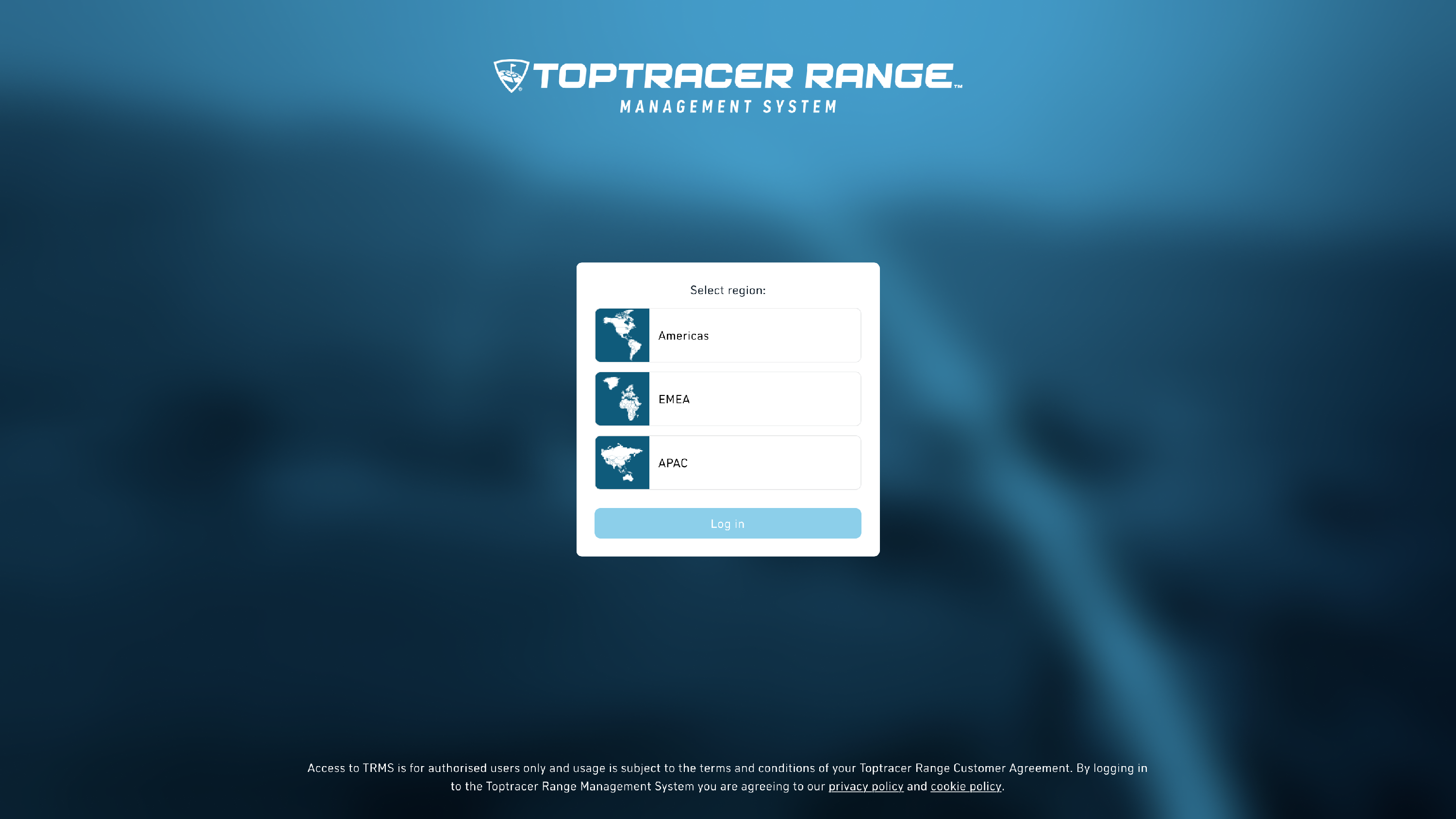
We have updated the TRMS login experience to make it more consistent across sign-in methods.
Instead of choosing between Continue with Google or Continue with Toptracer on the first screen, all users now start by selecting Log in, then choose their preferred method on the next step.
If you previously signed in with Google, you can continue using the same account. The flow is slightly updated, and you may be asked to confirm permissions the first time you sign in after this change.
For full details on what has changed and how to sign in, see [Changes to Google sign in for existing users].
Improved Event Edit
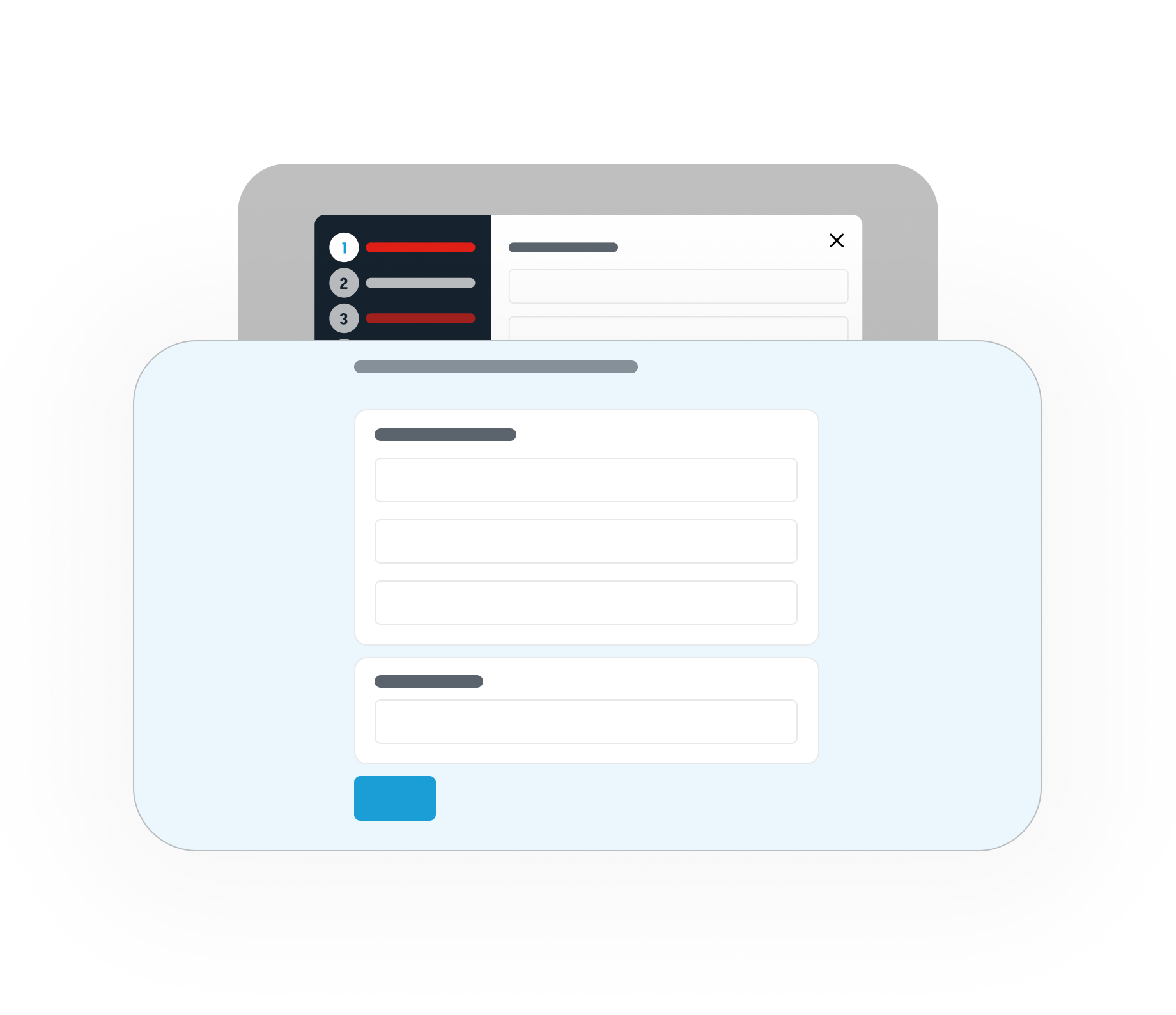
To match the faster and smoother way to create events we have now released a faster and smoother way to edit events. So, just like for event creation, instead of clicking through multiple steps, you’ll now see all event settings gathered on one page for editing as well. This should make the editing process much quicker and more intuitive too.
What else we’ve shipped
- If you are in the EMEA region, you will now have a new email to send support requests to specific to your region. You can find it as usual on the support page.
- Resolved an issue impacting the 'Today' filter on the Over Net page caused by incorrect time zone logic.
- All the buttons that perform a copying action have been aligned so they have similar behavior everywhere.