
Changes to Google sign in for existing users
Since June 2025, the requirement to use a Google account to access TRMS has been removed. Now we’re taking the next step, where users who have previously signed in to TRMS using “Continue with Google” will experience a change in how to access TRMS.
Google sign in is still supported. However, instead of clicking Continue with Google directly on the first page, you will now start by clicking Log in.
First time signing in after this update
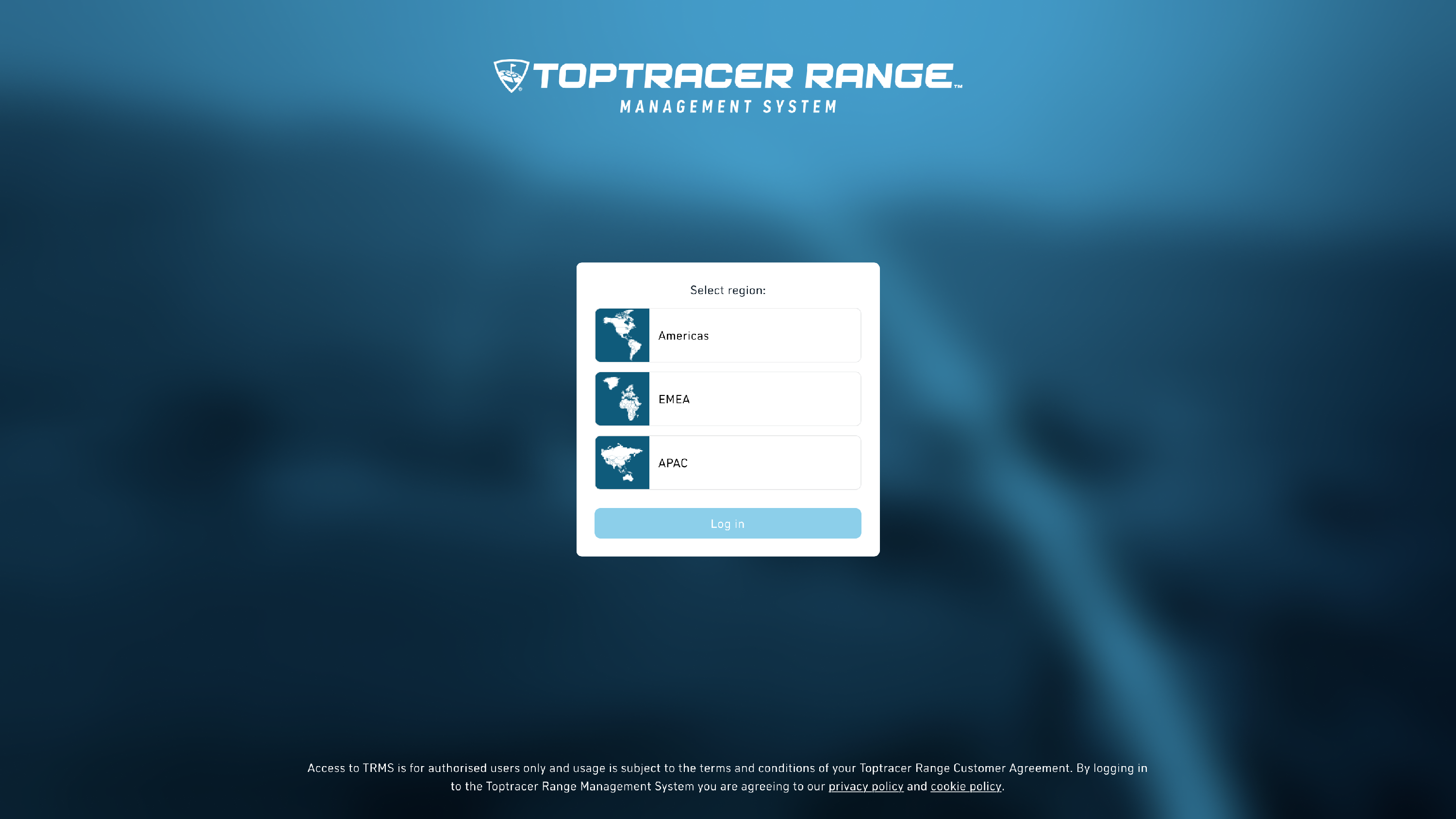
- Go to the TRMS login page.

-
Select your region (Americas, EMEA, or APAC).
Click Log in.

- On the next screen, select Continue with Google.
⚠️ If you are logged into your browser with your Google account, make sure it is the same Google account and email that you previously have used to log into TRMS with,

- Complete the Google sign in process:
- If you already have an active Google session, select the account that matches the email address added to TRMS.
- If you are not signed in, enter your Google email address and password to continue.

-
Grant Toptracer.com access to basic profile information such as your first name and last name.
Click Continue.

-
Review the Privacy policy.
Click Proceed to complete sign in.

- After this step, you will enter TRMS as usual.
What do I do if I can't login?
If you encounter any issues, you can always access the account console by logging in at login.toptracer.com instead.
- From the account console, make sure you are logged out from all devices.
- Make sure the email address is the same that you previously have used to log into TRMS with.
- Try logging in again to TRMS.
From login.toptracer.com you can also manage the linking and unlinking of social providers like Google or Apple.