
Toptracer System Care and Performance Checklist
This article outlines the recommended preventive and maintenance care for driving range hardware, including screens, stands, towers, and cameras. It covers weekly, monthly, and yearly checks to help ensure consistent performance and reduce the risk of tracking issues, supporting a stable and reliable experience for your customers.
Weekly – Visual and Performance Check
| Hardware Component | Action | Why it matters |
|---|---|---|
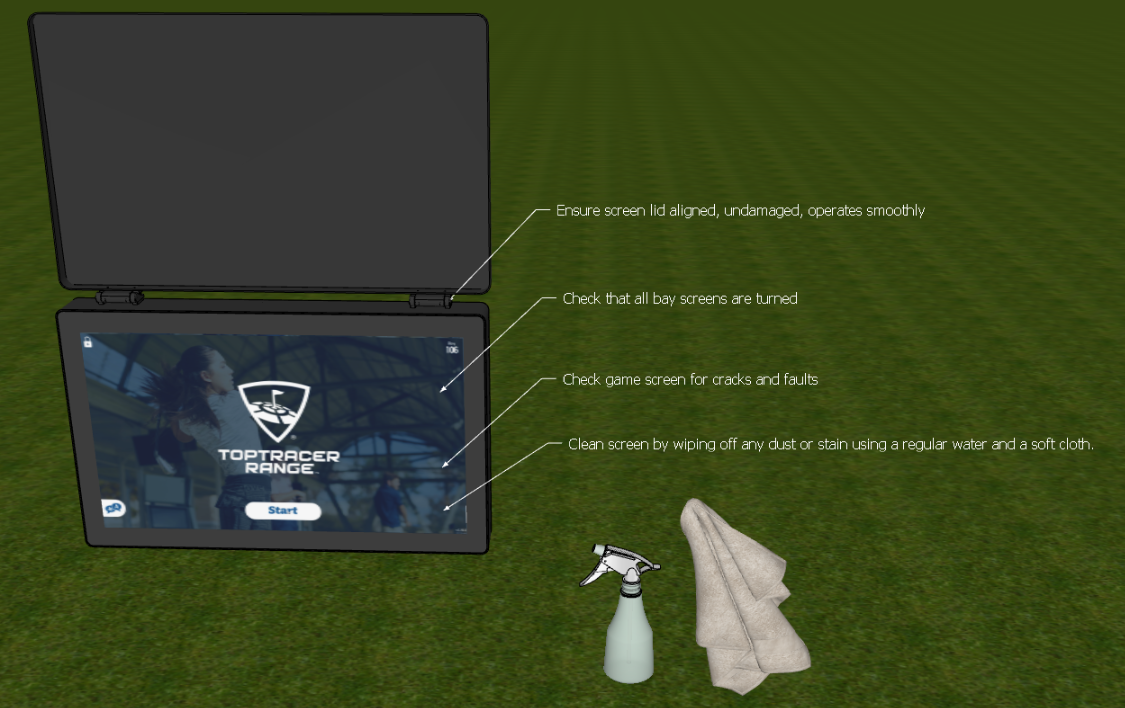
| Screens | Clean screen surface and protective lid with microfiber cloth |
Ensures visibility and premium guest experience
|
| Screens | Inspect for cracks, dead pixels, flickering, or brightness issues |
Prevents guest complaints
|
| Screens | Verify secure mounting and stability |
Ensures safety and protects hardware
|
| Screens | Confirm lid alignment and smooth operation |
Prevents mechanical wear
|
Monthly – Preventive System Care
| Component | Action | Why it matters |
|---|---|---|
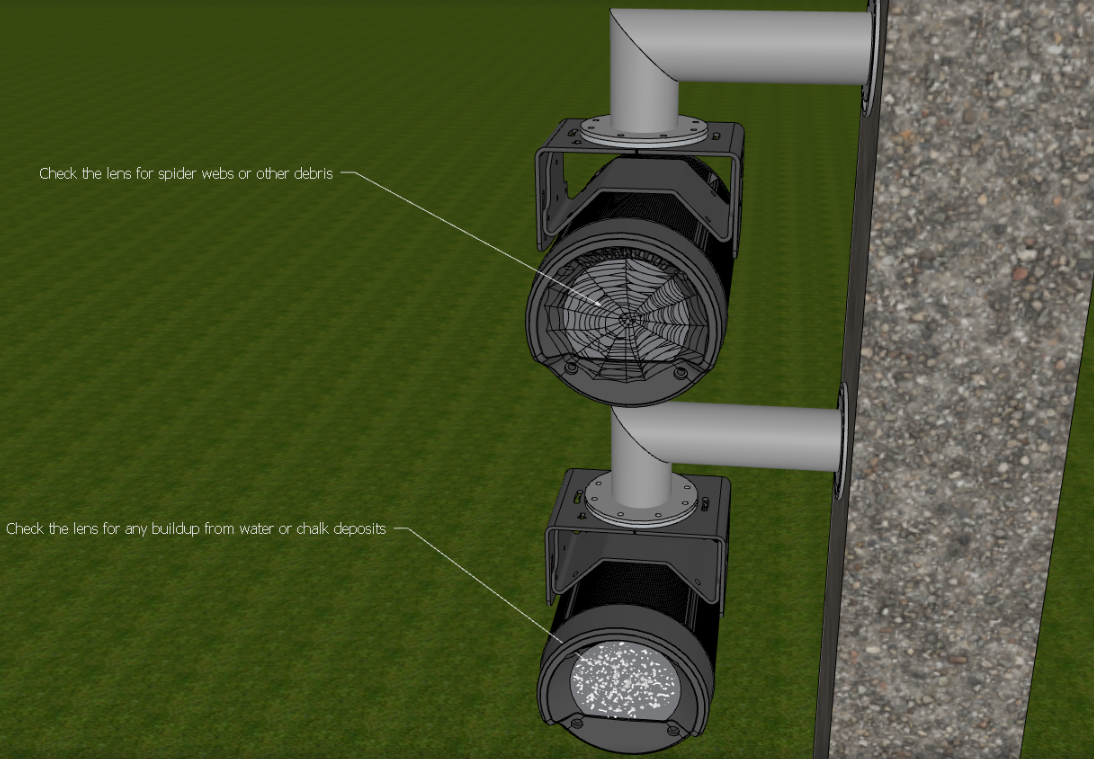
| Cameras | Clean lens (dust, dirt, limescale) using approved method |
Ensures tracing precision
|
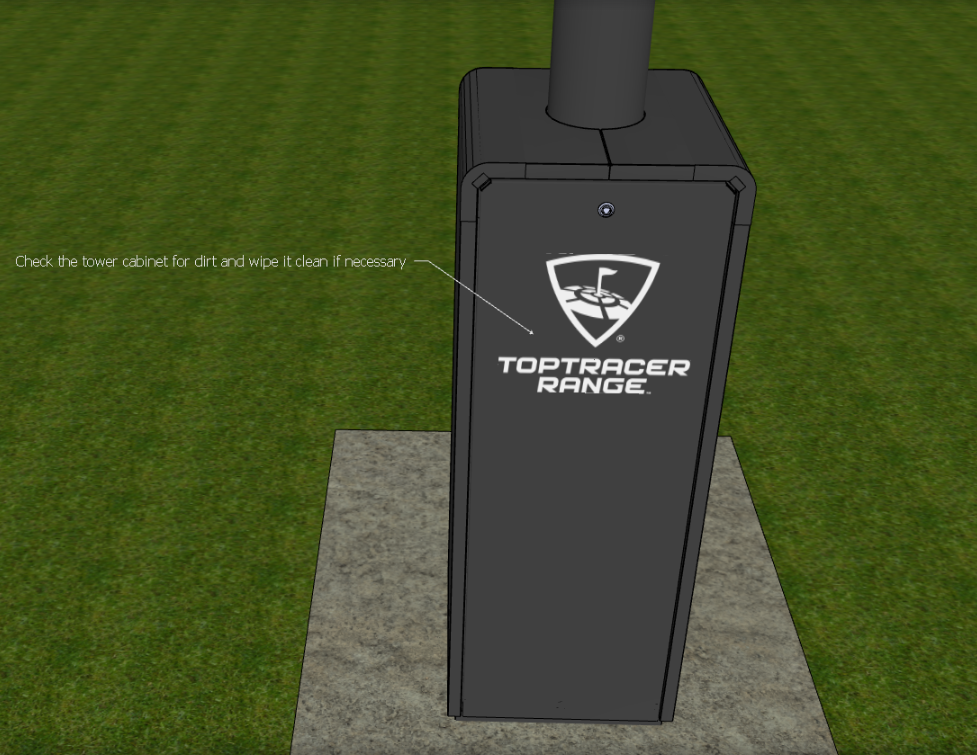
| Tower Units | Clean exterior and accessible interior surfaces |
Ensures visibility and a premium guest experience
|
| Tower Units | Check for water intrusion or signs of moisture | Prevents hardware failure |
| Tower Units | Verify weatherproof seals and closed outlets | Ensures electrical safety |
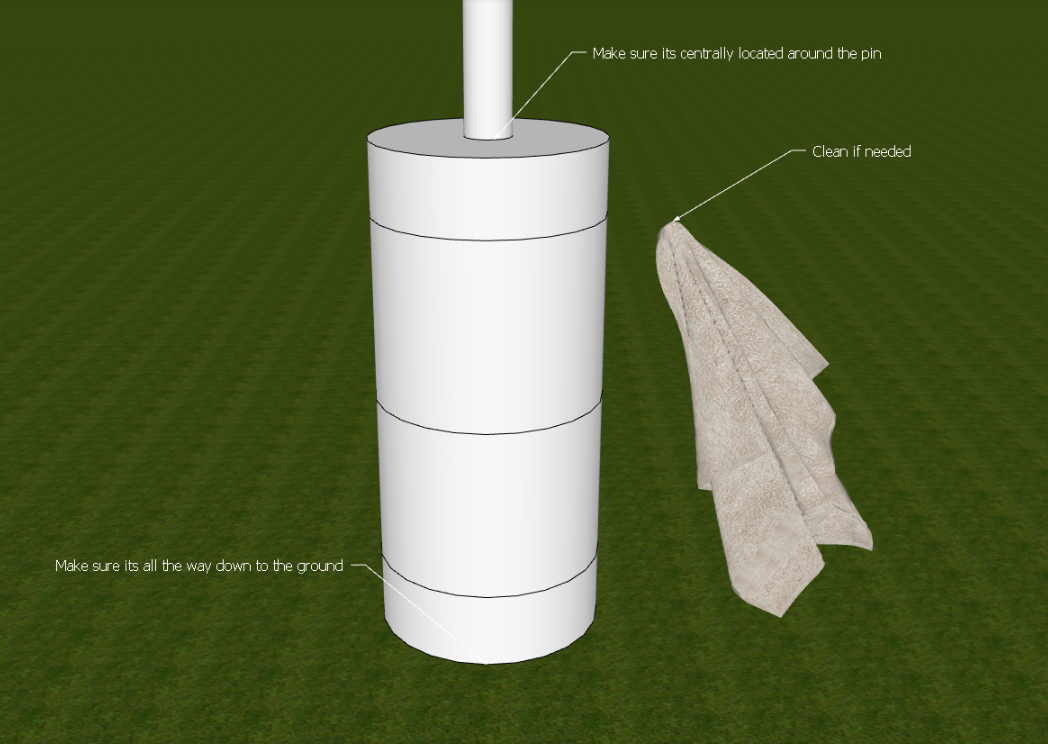
| Thicker Flagsticks | Inspect for cracks, damage, and correct fastening |
Ensures calibration accuracy
|
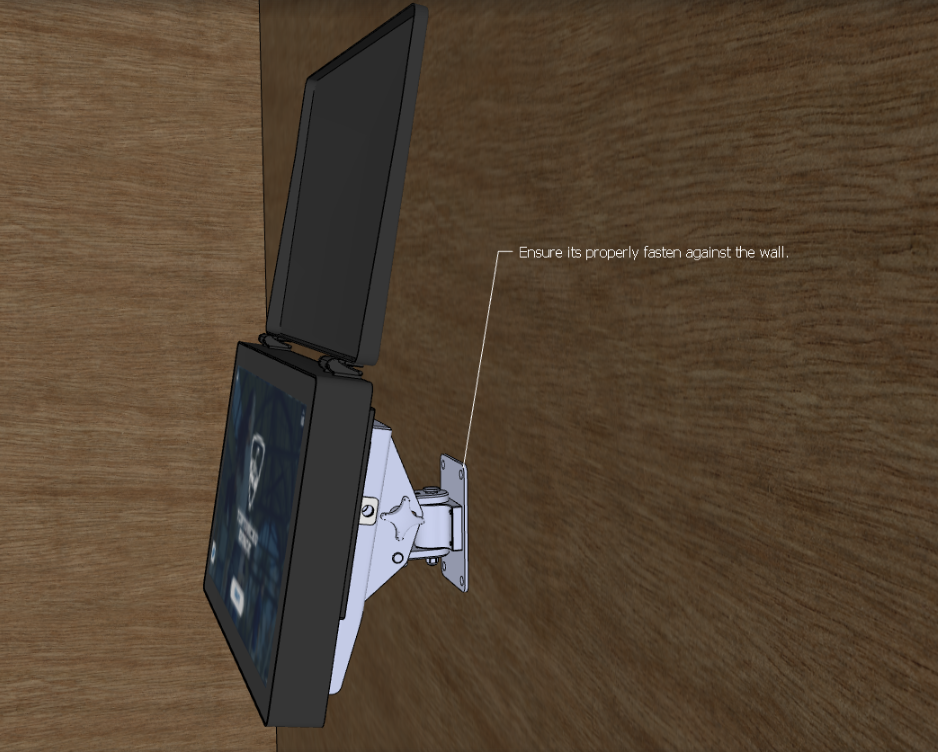
| Screens | Confirm the unit is firmly secured to the wall. Inspect brackets, screws, and anchors for looseness, corrosion, or damage |
Prevents hardware failure
|
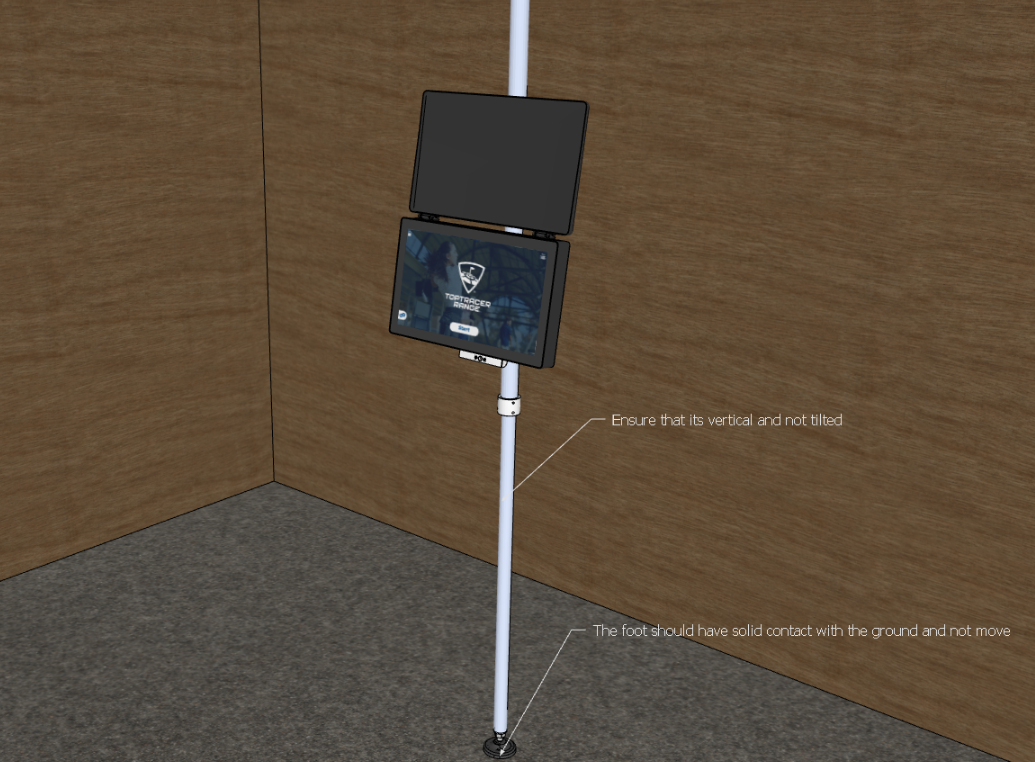
| Screens | Confirm that the floor-to-ceiling structure is vertical and not tilted or loose at the base |
Prevents hardware failure
|
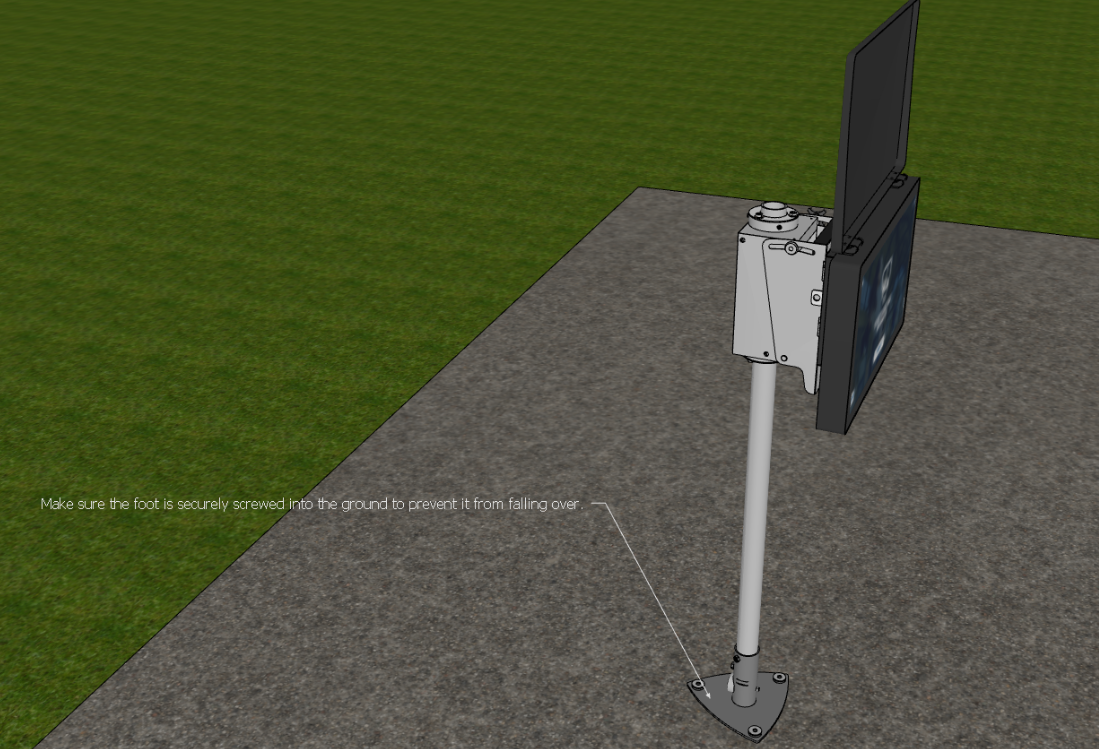
| Screens | Confirm that the floor stand foot is securely screwed to the ground and does not risk tipping over |
Prevents hardware failure
|
| Cables | Inspect visible cabling for wear, strain, or exposure | Prevents downtime |
| Ventilation | Confirm airflow around server areas | Prevents overheating |
Yearly – Deep Preventive Care
| Component | Action | Why it matters |
|---|---|---|
| Server Rack | Clean server and switches with compressed air | Prevents overheating |
| Server Rack | Inspect fans and airflow | Ensures performance stability |